
📝 All-in-One Online PDF Tools | Fast, Secure & Easy to Use
AMTake Tools
- Access a complete collection of PDF tools online to manage, edit, and convert your documents with ease. Our free PDF tools help you convert PDF to Word, JPG to PDF, compress PDF files, merge PDFs, split PDFs, and secure documents in just a few clicks.
- This online PDF converter and editor works directly in your browser—no downloads or installations required. Whether you need a PDF compressor, PDF merger, PDF splitter, or PDF password protector, our tools deliver fast, accurate, and professional results.
- Your files are processed securely with advanced encryption and are automatically deleted after use, making our platform safe for students, professionals, and businesses. From simple conversions to advanced document management, our PDF tools website is built for speed, privacy, and productivity.
Key Highlights
Convert PDFs to Word, Excel, JPG & more
Compress and optimize PDF files without quality loss
Merge, split, rotate, and reorder PDF pages
Secure PDFs with passwords and permissions
Fast, user-friendly, and 100% online
Why choose our PDF tools?
Free online PDF converter and editor
Convert, compress, merge, split, and protect PDFs
High-quality output with fast processing
Secure file handling with complete privacy
Works on desktop and mobile devices
PDF Tools
Smart PDF tools for merging, splitting, compressing, converting, and editing documents quickly with precision
📂 Converter Tools
📦 Optimize Tools
✏️ Edit Tools
🔒 Security Tools
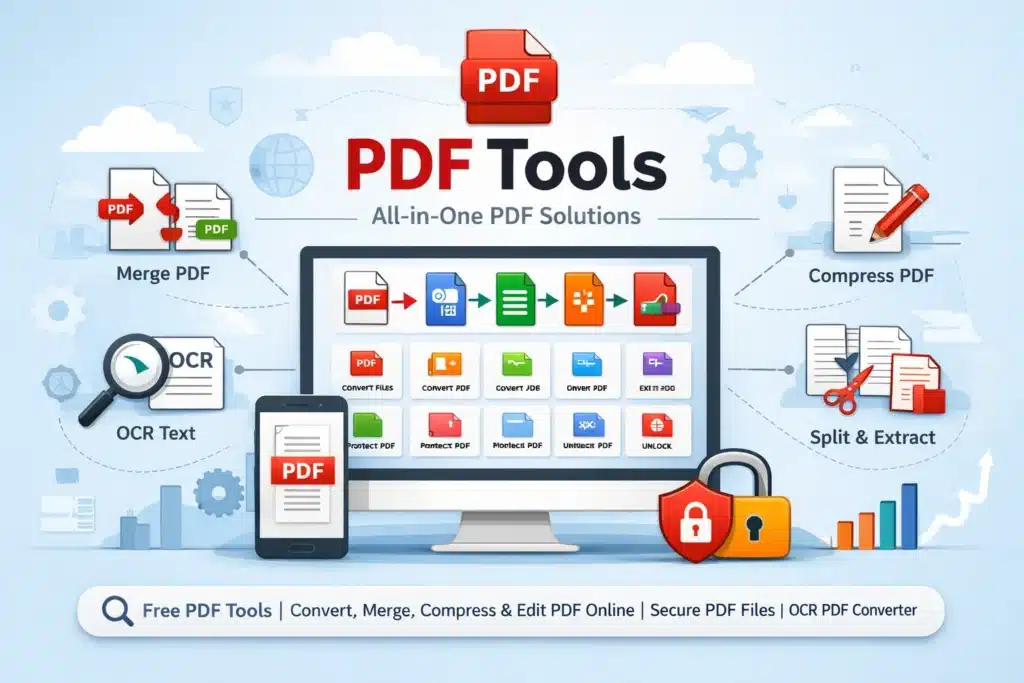
📄 PDF Tools – All-in-One Smart PDF Toolkit for Every Need
🚀 Complete PDF Tools Suite for Productivity & Efficiency
Managing PDF files has become an essential part of digital life—whether you’re a student, professional, business owner, or content creator. Our PDF Tools page brings together a powerful collection of 30+ advanced PDF utilities designed to simplify every task related to PDF documents.
From converting files to editing, compressing, securing, and organizing documents, this all-in-one platform ensures that you never need to switch between multiple websites again. Each tool is optimized for speed, accuracy, and ease of use, making your workflow smooth and efficient.
🔧 What You Can Do with Our PDF Tools
Our platform offers a wide range of features that cover every possible PDF requirement. Each tool tile on this page links to a dedicated tool page where you can perform tasks instantly without complicated steps.
📌 Core Features Include:
Convert Files to PDF and Vice Versa
Easily convert Word, Excel, PowerPoint, images, and more into PDF format. You can also convert PDFs back into editable formats like DOCX, XLSX, and JPG.Merge PDF Files
Combine multiple PDF files into a single organized document without losing quality.Split PDF Pages
Extract specific pages or split large PDFs into smaller files quickly.Compress PDF Files
Reduce file size while maintaining quality, perfect for email sharing or website uploads.Edit PDF Documents
Add text, images, annotations, and signatures directly to your PDF files.Protect and Unlock PDFs
Add passwords to secure sensitive files or remove restrictions from locked PDFs.OCR (Optical Character Recognition)
Convert scanned documents and images into editable and searchable text.Rotate and Organize Pages
Rearrange, rotate, or delete pages with ease.
🌐 Designed for Modern Users
This PDF Tools hub is built with a clean, responsive interface that works perfectly across all devices—desktop, tablet, and mobile. Whether you’re working from your office or on the go, you can access and use these tools anytime, anywhere.
💡 Key Advantages:
⚡ Fast Processing Speed – Instant results with optimized performance
🔒 Secure File Handling – Your files remain private and protected
📱 Mobile-Friendly Design – Fully responsive for all screen sizes
🧠 User-Friendly Interface – No technical skills required
🌍 Cloud-Based Access – No installation needed
📊 Categories of PDF Tools Available
To make navigation easier, the tools are organized into categories:
📁 Conversion Tools
Word to PDF Converter
PDF to Word Converter
Image to PDF Converter
PDF to JPG Converter
PPT to PDF Converter
Excel to PDF Converter
🛠️ Editing & Modification Tools
Edit PDF Pages
Add Text to PDF
Add Watermark
Rotate PDF
Delete PDF Pages
🔐 Security Tools
Encrypt PDF
Decrypt PDF
Add Password to PDF
Remove PDF Password
📦 Optimization Tools
Compress PDF
Resize PDF
Reduce PDF File Size
📑 Organization Tools
Merge PDF
Split PDF
Extract Pages
Reorder Pages
🔍 Advanced Tools
OCR PDF Tool
Edit PDF
PDF Viewer
🔍 SEO-Friendly and Keyword Optimized Platform
Our PDF Tools page is crafted not only for usability but also for search engine visibility. It naturally integrates high-performing keywords such as:
PDF tools online
Free PDF converter
Merge PDF online
Compress PDF file
Edit PDF online free
PDF to Word converter
Image to PDF converter
Secure PDF files
OCR PDF tool
PDF editor free
This ensures better discoverability and helps users find exactly what they need quickly.
🧑💼 Who Can Use These PDF Tools?
These tools are designed for a wide range of users:
🎓 Students
Convert assignments, compress files, and submit documents easily.
💼 Professionals
Edit contracts, merge reports, and secure sensitive documents.
🏢 Businesses
Handle bulk PDF operations efficiently and securely.
🧑💻 Freelancers & Creators
Convert and manage digital content effortlessly.
🔐 Privacy & Security You Can Trust
We understand the importance of data privacy. All file processing is done with strict security measures:
Files are automatically deleted after processing
No unauthorized access or storage
Secure encryption protocols
Your documents remain 100% confidential.
⚙️ How to Use PDF Tools Page
Using this page is extremely simple:
Browse through the available tool tiles
Click on the desired tool
Upload your file
Perform the action (convert, edit, compress, etc.)
Download the processed file instantly
No sign-up or technical expertise is required.
📈 Why Choose Our PDF Tools Platform?
Unlike many other platforms, our PDF Tools page is designed to deliver a complete ecosystem rather than isolated tools.
🌟 Key Highlights:
All tools in one place
Clean and distraction-free interface
High-quality output results
Regular updates and improvements
Optimized for SEO and performance
🔮 Future Enhancements
We are continuously working to improve and expand our platform. Upcoming features may include:
AI-powered PDF editing
Bulk file processing
Cloud storage integration
Advanced document analytics
📝 Final Thoughts
The PDF Tools page is your ultimate destination for managing PDF files efficiently. With over 30 powerful tools, a modern interface, and a focus on speed, security, and usability, it provides everything you need in one place.
Whether you’re converting files, editing documents, compressing PDFs, or securing sensitive information, this platform ensures a seamless experience every time.
The Portable Document Format (PDF) is a widely used file format designed to display documents consistently across all devices and platforms. It preserves layout, fonts, and images, making it ideal for sharing, printing, and professional use. To learn more about how PDFs work, their history, and technical structure, you can explore the detailed guide available on Wikipedia.