About the PDF Merger & Splitter
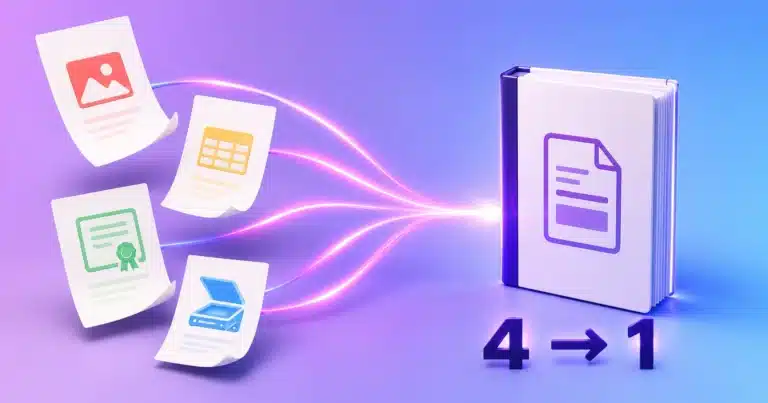
Our all-in-one PDF workspace: merge several PDFs into one, split a file apart, reorder pages, extract ranges and rotate pages — with output filename control and optional bookmarks. Everything runs 100% in your browser, so the documents you work on are never uploaded to any server. That makes it the best choice for contracts, statements and other sensitive paperwork.
Just need one quick job? Our single-task Merge PDF and Split PDF tools also run entirely in your browser – they do one job in fewer steps, and nothing is uploaded either way.
Which PDF combining tool should I use?
| Tool | Best for | Processing |
|---|---|---|
| PDF Merger / Splitter (this tool) | Full control: merge, split, reorder, extract, rotate, bookmarks | 100% in your browser — nothing uploaded |
| Merge PDF Files | One quick merge | In your browser – nothing uploaded |
| Split PDF Pages | One quick split or page extraction | In your browser – nothing uploaded |
Frequently Asked Questions
How do I merge or split PDF files?
To merge, upload several PDFs and arrange their order; to split, upload one PDF and choose the pages to separate. Then download the result.
Is the PDF merger and splitter free?
Yes, it is free with no sign-up and no watermark.
Can I combine many PDFs into one document?
Yes. You can merge multiple PDFs into a single file in the exact order you set.
Can I extract specific pages from a PDF?
Yes. The split feature lets you pull out the exact pages or ranges you need into their own file.
Is there a limit on the number of files?
You can merge or split typical documents freely; very large files simply take a little longer to process.