
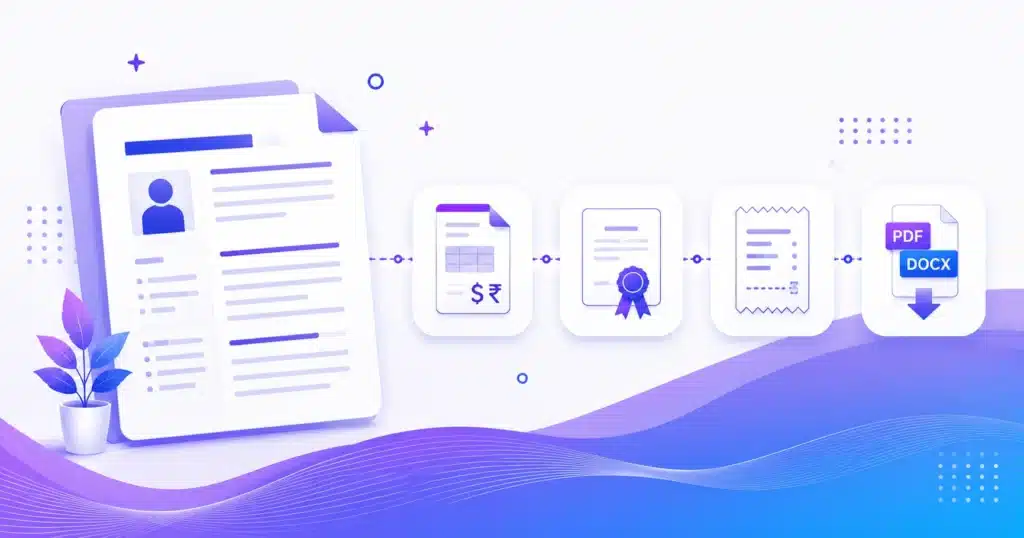
AMTake’s free online template generators turn a simple form into a polished, professional document in minutes. Build resumes, cover letters, invoices, receipts, quotations, certificates and business letters — just pick a template design, fill in your details, watch the live preview update as you type, and download a print-ready PDF or an editable Word file. Each generator ships with multiple professionally designed templates, brand-colour and logo options, and saves your work automatically in your browser. Perfect for job seekers, freelancers, small businesses and students who need great-looking documents without design software or sign-ups — private, mobile-friendly and completely free.
Build Professional Documents in Minutes
A polished document should not need design software or hours of formatting. AMTake’s template generators turn a simple form into a resume, cover letter, invoice, quotation, receipt, certificate or privacy policy — you pick a design, fill in your details, watch it update in a live preview, and download a print-ready PDF or an editable Word file. Everything is built in your browser, so your details stay private.
Resume & CV
Build a job-ready resume from 20 professional templates with the Resume Generator and download it as PDF or Word.
Cover letter
Pair your resume with a matching, professional letter using the Cover Letter Generator.
Invoice & quotation
Bill clients with a GST/VAT-ready Invoice Generator, or send a priced quotation before the sale.
Receipt
Issue proof of payment with line items and automatic numbering using the Receipt Generator — great for rent and sales.
Certificate
Design award, course and event certificates with auto-generated IDs using the Certificate Generator.
Privacy policy & terms
Create a GDPR/CCPA-aware policy for your website with the Privacy Policy Generator.
Polished Documents, No Design Skills
Designer-made templates
Start from a professionally designed layout — spacing, fonts and structure are handled, so you just add your content.
Live preview
Your document updates in real time as you type, so you see exactly what you will get before you download it.
PDF or Word download
Export a clean, print-ready PDF, or an editable Word file to keep refining in Word or Google Docs.
Private & auto-saved
Everything is built in your browser and saved locally as you work — your personal and business details are never uploaded.
How to Create a Document
- Choose a template Pick a design you like from the gallery — you can switch it any time.
- Fill in the form Add your details, line items or text; the live preview updates as you type.
- Download PDF or Word Export a print-ready PDF, or an editable Word file to tweak further.
Documents People Create Here
Applying for a job? Build a clean resume and a matching cover letter in minutes. Running a business? Send a professional GST invoice with a UPI QR code, quote a client with a quotation, and hand over a numbered receipt. Wrapping up a course or event? Print branded certificates with automatic IDs. Launching a website? Generate a compliant privacy policy. Each one is free, template-based and ready to download.
Frequently Asked Questions
Are these template generators free to use?
Yes. Every document builder — resume, cover letter, invoice, quotation, receipt, certificate and privacy policy — is completely free, with no sign-up, no watermark and no limit on how many documents you create.
Can I download my document as PDF and Word?
Yes. You can download a clean, print-ready PDF, and most builders also offer an editable Word (.docx) file so you can make further changes in Word or Google Docs.
Do I need design software or design skills?
No. Each generator starts from a professionally designed template — you fill in a simple form and the layout, spacing and styling are handled for you. There is nothing to install and no design experience needed.
Are my details and documents private?
Yes. The builders run in your browser, so the personal, financial and business details you enter are never uploaded to a server. Your document is created on your device and yours alone.
Can I add my own logo and brand colours?
Yes. Most builders let you upload a logo and set a brand colour, so invoices, quotations, receipts and certificates match your business identity.
Which generator should I use for my task?
Use the Resume and Cover Letter builders for job applications, the Invoice and Quotation builders for billing and pricing, the Receipt builder for proof of payment, the Certificate builder for courses and events, and the Privacy Policy generator for your website. The cards above group them by document type.
Do invoices, receipts and certificates get automatic numbering?
Yes. The invoice, receipt and certificate builders can auto-generate sequential numbers, such as INV-0001 or a certificate ID, so your records stay consistent and professional without manual tracking.
Can I use these documents for business or legal purposes?
Yes. The documents are free for personal and commercial use — send invoices and quotations to clients, issue receipts and certificates, and publish the generated policy on your site. For anything with legal weight, have it reviewed to fit your situation.
Is my work saved if I close the page?
Most builders auto-save your progress in your browser, so if you close or refresh the tab your details are still there when you return — stored locally, never on our servers.
Do the invoices support GST or VAT?
Yes. The Invoice Generator supports GST and VAT, including tax rates and totals, and can add a UPI payment QR code — making it suitable for Indian and international billing.
Can I edit the document after I download it?
Yes. Download the Word (.docx) version to keep editing in Word or Google Docs, or change your inputs in the builder and download a fresh PDF. The PDF itself is final and print-ready.
Do the generators work on mobile phones?
Yes. Every builder is mobile-friendly, so you can create a resume, invoice or certificate from your phone, though a larger screen is handy for detailed layouts.
Are the certificates and invoices legally valid?
They are professionally formatted and suitable for real use — invoices and receipts serve as valid records, and certificates are fine for courses, events and recognition. For statutory or contractual documents, confirm the required fields with a professional.
How many templates are there, and can I switch between them?
Each builder offers multiple professionally designed templates (the resume builder has 20), and you can switch template at any time — your entered details carry over, so you can preview the same content in different designs instantly.
Is the generated privacy policy legally compliant?
The Privacy Policy Generator builds a solid, GDPR/CCPA-aware draft from your answers about cookies, analytics, ads and forms. It is a strong starting point, but laws vary by region and business — have it reviewed before you rely on it.
Applying for an internship or a placement? Resume and cover-letter tools are grouped in the Student Tools hub.