User Guide
Add your PDF
Drag a PDF onto the drop zone or click Choose PDF File. Your browser opens it directly — there is no upload, so large files start instantly instead of crawling through a progress bar. Files above 50 MB are refused because they risk exhausting browser memory; run those through the PDF Compressor first.
Confirm the file panel
The panel shows the file name and size so you know the right version is loaded. The ✕ clears it and resets the options. Nothing has been read from the file at this point beyond its name and size.
Decide on heading detection
Detect headings automatically compares each line against the document’s median text size: anything at least 22% larger, and no longer than 14 words, becomes a Word heading — 60% larger makes it a Heading 1, otherwise Heading 2. Leave it on for reports and contracts. Turn it off for invoices, forms and price lists, where large numbers would otherwise be promoted into headings.
Decide on page breaks
Keep page breaks starts each PDF page on a fresh Word page, which is what you want when the pagination itself matters — agreements, submissions, anything referenced by page number. Turn it off when you intend to rewrite and reflow the text, so paragraphs run continuously instead of being pinned to the old layout.
Convert
Press Convert to Word. The progress bar names the stage it is on and counts the pages as they are read, so a long document tells you where it is rather than leaving you guessing. Everything runs on your own machine; the tab needs to stay open, but no data is in flight.
Download, then check four things
The summary reports the page count, the approximate word count and the size of the finished file. Download the .docx, open it, and check these in order: are the columns in the right order, did any table need rebuilding, are missing images worth re-inserting, and are repeated page headers now sitting in the body text? Each takes seconds to fix and none of them is a sign that something went wrong.
About the PDF to Word Converter
This tool rebuilds a text-based PDF as a genuine, editable Word document — a real .docx with flowing paragraphs, heading styles, bold and italic runs and its own pagination, not a picture of a page dropped into Word. The whole conversion runs inside this browser tab: your contract, statement, CV or assignment is read from your own disk, processed by JavaScript on your own machine, and handed straight back as a download. Nothing is uploaded, nothing is queued, nothing is stored, and there is no account, watermark, page cap or daily quota.
That matters more here than on almost any other converter, because of what people actually convert. The documents that most need editing are the ones you would least like to hand to a stranger’s server: a tenancy agreement, a payslip, a medical letter, a signed contract with a client’s name on it, an ID scan. Free online converters are overwhelmingly upload-based. This one removes the question entirely.
What the converter actually does
Every text-based PDF carries a text layer: the characters, plus the exact coordinates, size and font each was drawn at. The tool reads that layer page by page and reconstructs a document from it. Characters at the same vertical position are gathered into lines, lines are ordered left to right, and a space is inserted wherever the horizontal gap between two pieces of text is wide enough to be a real word break rather than kerning. Lines are then grouped into paragraphs by looking at the vertical gap between them and at changes in text size, and the result is written out as a Word file.
Two touches make the output noticeably more usable than a raw text dump. Words broken across a line ending with a hyphen are re-joined, so “compre-” and “hensive” become “comprehensive”. And the document’s median text size is measured first and used as the yardstick for what counts as body text, so heading detection adapts to a document set in 9 pt just as well as one set in 12.
What the tool never does is render the page. It does not photograph, trace or reflow the visual layout — it recovers the words and their typographic structure. That is precisely why the output is editable, and it is also the source of every limitation below.
What comes through — and what does not
Carried across: all the text, in reading order for a normal single-column document; headings, as real Word Heading 1 and Heading 2 styles, so Word’s navigation pane and automatic table of contents work immediately; bold and italic; the original font size of each paragraph, clamped to a sane 8–36 pt range; paragraph breaks inferred from spacing; re-joined hyphenated words; and optionally the original pagination.
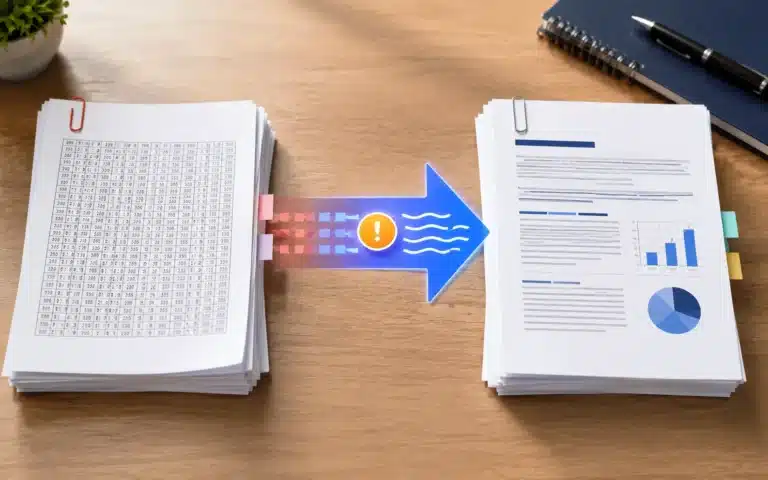
Not carried across: images of any kind — logos, photographs, charts, diagrams, scanned signatures — because the text layer simply does not contain them; tables as tables, since each row arrives as a single paragraph with the cells separated by spaces; font family, so the output uses Word’s default typeface at the original sizes; text colour, highlighting, underline and strikethrough; paragraph alignment and indents, so centred titles arrive left-aligned; bullet and numbered lists as real Word lists, though the bullet characters themselves usually survive as text; and hyperlinks, whose text remains but whose links do not.
One item surprises people because it works the other way round: running headers, footers and page numbers do come through, since they are ordinary text in the PDF’s text layer. Expect the same header line to appear at the top of every page’s worth of content in the Word file. Word’s Find and Replace clears a repeated header in one pass, and it is worth doing before you start editing rather than after.
The layouts that convert beautifully — and the one that does not
Single-column documents are the sweet spot, and most business documents are single-column: contracts, letters, reports, policies, essays, minutes, terms and conditions, CVs, ebooks. These convert essentially perfectly, because reading order and visual order are the same thing.
Two-column layouts are the known weak point, and the failure is specific enough to predict. Because lines are grouped by vertical position, a line in the left column and a line in the right column that sit at the same height are treated as one line and joined — so an academic paper or a magazine spread comes out with the columns interleaved sentence by sentence. Nothing is lost, but the order is wrong. If you only need the words, convert and then reorder in Word; if you need clean text in the correct sequence, copy one column at a time out of the PDF, or extract it with our PDF to Text Converter and rebuild. Our guide to converting PDF to Word without wrecking the formatting walks through the repairs in order.
Forms, invoices and price lists convert fine as text, but are exactly the documents to convert with heading detection switched off — a large invoice total or a form field label will otherwise be promoted to a heading and clutter Word’s navigation pane.
A worked example, with the actual numbers
Take a 12-page report typeset in 11 pt. The tool measures every line, finds a median of 11 pt, and sets its thresholds from there: anything 22% larger — 13.4 pt and up — becomes a heading, and anything 60% larger — 17.6 pt and up — becomes a Heading 1. So the 20 pt cover title arrives as Heading 1, the 14 pt section titles as Heading 2, and a 12 pt bold “Note:” lead-in stays body text where it belongs. A new paragraph starts wherever the vertical gap between two lines exceeds about 1.7 line-heights — roughly 19 pt, or 6.6 mm, at this text size — so ordinary line spacing keeps a paragraph together while a blank line splits it.
Two consequences follow from that arithmetic and are worth expecting. A very generously spaced PDF can split one paragraph into two, and a tightly set one can run two short paragraphs together; both take a moment to fix in Word. And because pages are processed independently, a sentence that continues across a page boundary becomes two paragraphs rather than one — join them, or convert with page breaks turned off so the text flows freely to begin with.
Scanned PDFs and locked PDFs
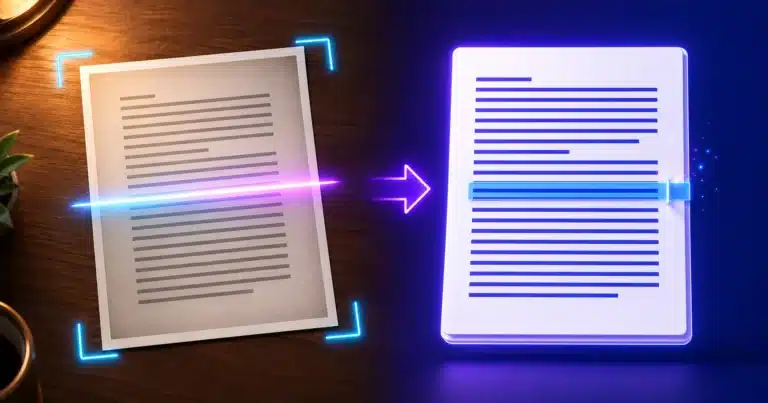
If a PDF was produced by a scanner, a camera or a fax, it contains pictures of words rather than words. There is no text layer to read, so no converter that works this way can extract anything from it — and rather than hand you an empty file, the tool detects the condition and says so. The route for those documents is optical character recognition: run the pages through our free Image to Text (OCR) tool, or Extract Text from Image, and work from the recognised text. A quick way to tell in advance: open the PDF and try to select a sentence with your mouse. If the text highlights, this tool will convert it. If you get a rectangle over a picture, you need OCR first.
Password-protected PDFs stop at the same gate, because the content is encrypted before any of it can be read. The tool names that specifically rather than failing vaguely. Remove the protection with our Unlock PDF tool, or open the file with its password and re-save it without one, then convert.
Why the Word file is so much smaller than the PDF
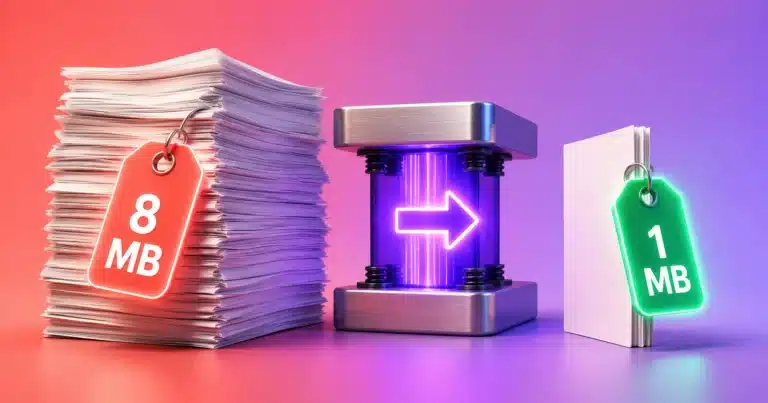
A 6 MB PDF routinely becomes a Word file of a few dozen kilobytes, which looks like something has gone missing. Usually nothing has: most of a PDF’s weight is embedded fonts and images, and the .docx carries neither — just your text, its structure and its sizes. If the original was mainly photographs, though, that shrinkage is exactly the images you have lost, and re-inserting them by hand is the only fix. Check the page count and word count in the summary against the original before you assume all is well.
Where this fits in a real workflow
The common round trip is convert, edit, republish: bring the PDF into Word here, correct the dates and names, then produce a fresh PDF with our Word to PDF Converter — an entire edit cycle without paid software and without either file being uploaded. If you only need a few pages of a long document, Split PDF first and convert only what you need; the conversion is faster and there is far less to tidy up. Merge PDF and the PDF Compressor handle the assembly and size work at the other end, and Word Counter is useful when the converted text has to hit a limit.
One honest comparison, since people ask. Desktop applications such as Microsoft Word’s own “open a PDF” feature and Adobe Acrobat attempt to rebuild tables and re-place images, which this tool does not — they have a full layout engine and, in Acrobat’s case, a paid licence behind them. What they cannot offer is a conversion that never touches a server and needs nothing installed. Pick this when privacy, speed and having no software matter more than reconstructing a table you can rebuild in a minute anyway.
Practical limits, and what the output is compatible with
Files above 50 MB are refused outright, since converting them risks running the browser out of memory mid-way; compress or split first. There is no batch mode — documents are converted one at a time. Very long files are limited by your device’s memory rather than by any server rule, which is generous on a laptop and tighter on an older phone. The output opens in Microsoft Word, Google Docs, LibreOffice, WPS Office and Pages, and is created with no macros, no tracked changes and no author metadata beyond a note that AMTake Tools produced it. And the conversion loads its PDF and Word engines over the network when the page opens, as any web page does — but your document itself is only ever read on your own device.
Frequently Asked Questions
How do I convert a PDF to Word for free?
Drop your PDF into the tool, leave the two switches at their defaults, press Convert to Word and download the .docx. It is free with no sign-up, no watermark, no page cap and no daily quota, and because the conversion runs in your browser there is no upload and no waiting in a queue.
Is it safe to convert a confidential contract or bank statement here?
Yes. The file is read from your disk by your own browser and every stage of the conversion runs on your machine, so the document is never transmitted, stored or logged by anyone. That is the difference between this and most free converters, which upload your file to their servers to do the work.
What does the converter keep, and what does it drop?
It keeps all the text, headings as real Word heading styles, bold and italic, the original font sizes and, optionally, page breaks. It drops images, tables as tables, font family, colour, highlighting, underline, alignment, indents, real list formatting and working hyperlinks. The text and the structure survive; the visual design does not.
Why is my converted Word file empty?
Your PDF is almost certainly a scan — pictures of text with no text layer inside. Nothing can be extracted from it directly, which is why the tool tells you rather than producing a blank document. Run the file through our Image to Text (OCR) tool first, then work from the recognised text.
My two-column PDF came out with the columns mixed together. Why?
Lines are grouped by their vertical position on the page, so a line in the left column and one at the same height on the right are read as a single line and joined. Nothing is lost, but the order is wrong. Reorder it in Word, or copy one column at a time from the original for clean sequential text.
Where did my tables and images go?
Images are not in a PDF’s text layer at all, so they cannot be recovered and must be re-inserted by hand. Table text is recovered, but each row arrives as one paragraph with the cells separated by spaces rather than as a Word table. For a document that is mostly tables, rebuilding them in Word from the extracted text is usually quickest.
Should I turn “Detect headings” off?
Turn it off for invoices, forms, price lists and anything with large numerals, where big text is data rather than a heading and would otherwise clutter Word’s navigation pane. Leave it on for reports, contracts, essays and ebooks, where it gives you a properly structured document and a working table of contents.
The tool refused my file — it is too large or password-protected. What now?
Anything above 50 MB is refused because converting it could exhaust browser memory: shrink it with our PDF Compressor or take just the pages you need with Split PDF. A password-protected PDF is encrypted before it can be read, so remove the password with our Unlock PDF tool, or re-save it without one, and convert again.
Will the .docx open in Google Docs, LibreOffice or on a Mac?
Yes. The output is a standard Office Open XML .docx with no macros and no proprietary extensions, so it opens in Microsoft Word, Google Docs, LibreOffice Writer, WPS Office and Apple Pages. Upload it to Google Drive and open it with Docs if you would rather edit in the browser.
Can I convert the edited document back to PDF afterwards?
Yes, and that round trip is the usual reason to convert in the first place. Edit the .docx in Word or Google Docs, then rebuild the PDF with our Word to PDF Converter — the whole cycle runs in your browser, with no paid software and no file leaving your device at either end.