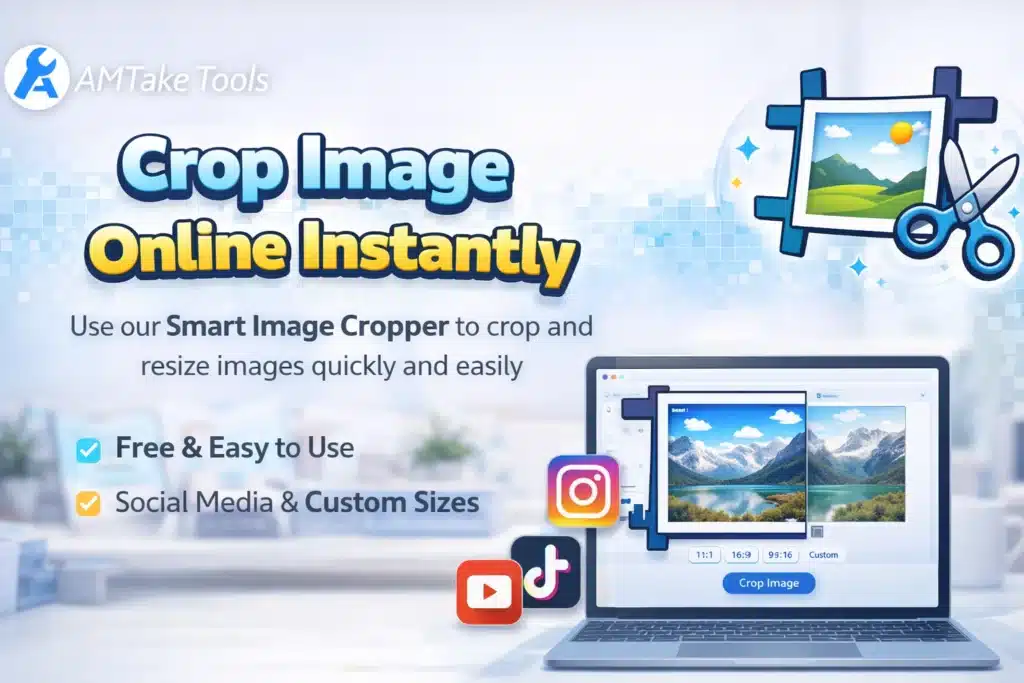
🚀 Smart Image Cropper Online – Crop Image with Precision
✂️ Crop Image Online Quickly and Accurately
The Smart Image Cropper is a powerful and easy-to-use tool designed to help you crop image online with precision, speed, and flexibility. Whether you want to remove unwanted areas, adjust image dimensions, or create perfectly sized visuals for social media, this tool makes the process effortless.
In today’s digital world, images play a major role in communication, branding, and content creation. But not every image is perfectly framed. That’s where a reliable crop image online tool becomes essential. With this Smart Image Cropper tool, you can instantly refine your images without using complex editing software.
🎯 Why You Need a Smart Image Cropper
Cropping is one of the most important steps in image editing. A well-cropped image improves focus, removes distractions, and enhances overall visual appeal. Our Smart Image Cropper online tool is built to deliver professional results without requiring any technical knowledge.
Instead of downloading heavy software or learning complicated tools, you can simply upload your image, select the area, and crop image online in seconds.
🔥 Key Features of Smart Image Cropper
✅ 1. Easy Crop Image Online
With a simple interface, you can upload and crop image online in just a few clicks.
✅ 2. Custom Dimensions
Set your own width and height to crop images exactly how you need.
✅ 3. Social Media Presets
Quickly crop images for:
- Instagram posts (1:1)
- YouTube thumbnails (16:9)
- Facebook banners
This makes it easier to crop image online for different platforms.
✅ 4. Drag & Adjust Selection
Move and resize the crop box freely for precise control.
✅ 5. High-Quality Output
Your image quality remains intact even after you crop image online.
🧠 How to Crop Image Online (Step-by-Step)
Using the Smart Image Cropper is simple:
- Upload your image
- Select the crop area
- Adjust dimensions or choose preset
- Click crop
- Download your image
Within seconds, you can crop image online without any hassle.
📌 Where You Can Use This Tool
📱 Social Media Optimization
Perfect for resizing and crop image online for Instagram, Facebook, and YouTube.
🛒 eCommerce Product Images
Create clean and professional product photos by cropping unnecessary areas.
🎨 Design Projects
Use cropped images in posters, banners, and presentations.
📄 Website & Blog Images
Improve website layout by using properly cropped visuals.
⚡ Benefits of Using This Crop Image Online Tool
- Saves time and effort
- No software installation required
- Beginner-friendly interface
- Accurate and fast cropping
- Works on mobile and desktop
With this tool, you can crop image online anytime, anywhere.
🔍 SEO & Performance Advantage
Using properly cropped images improves:
- Website speed
- User experience
- Visual clarity
- SEO performance
When you crop image online before uploading images to your website, it helps reduce file size and improves loading speed—an important ranking factor for Google.
❓ Frequently Asked Questions (FAQs)
1. What does it mean to crop image online?
Cropping an image means removing unwanted parts to focus on the important area using an online tool.
2. Is this crop image online tool free?
Yes, you can use this tool completely free.
3. Can I crop image online without losing quality?
Yes, the tool maintains high-quality output after cropping.
4. What image formats are supported?
You can crop JPG, PNG, and WebP images.
5. Can I crop images for Instagram?
Yes, you can use preset sizes to crop images for Instagram posts and stories.
6. How do I crop image online for YouTube thumbnails?
Select the 16:9 ratio and adjust your image accordingly.
7. Is this tool mobile-friendly?
Yes, you can crop image online using mobile devices easily.
8. Do I need to install software?
No, everything works directly in your browser.
9. Can I set custom crop dimensions?
Yes, you can enter custom width and height.
10. Is it safe to upload images?
Yes, your images are processed securely.
11. Can I crop profile pictures?
Yes, you can crop square images for profile use.
12. Does cropping reduce file size?
Yes, cropping can reduce image size by removing unnecessary parts.
13. What is the difference between cropping and resizing?
Cropping removes parts of an image, while resizing changes the overall dimensions.
14. Can beginners use this tool?
Yes, it is designed for beginners and professionals.
15. Why should I crop image online instead of using software?
Online tools are faster, easier, and require no installation.