
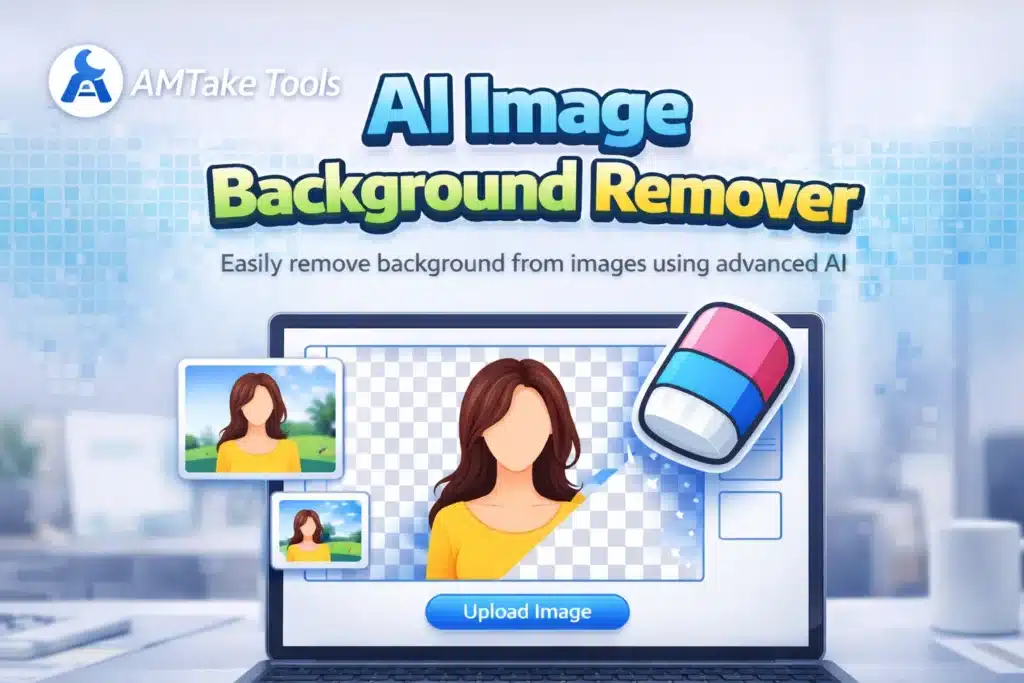
 AI Image Background Remover Online Free
 AI Image Background Remover Online Free
Remove Background from Image Instantly with AI
In today’s digital world, clean and professional images are essential for success—whether you’re running an eCommerce store, managing social media, or creating digital content. Our AI Image Background Remover is designed to help you remove background from images instantly with precision and ease.
This tool uses advanced artificial intelligence to automatically detect the subject in your image and remove the background in seconds. No manual editing, no complex software—just upload, process, and download your image with a transparent background.
Why Use an AI Image Background Remover?
 Why Use an AI Image Background Remover?
Traditional background removal methods require tools like Photoshop and hours of manual work. But with AI, the process becomes:
- Fast – Remove background in seconds
- Accurate – Detects edges and subjects perfectly
- Automatic – No editing skills required
- Online – Works directly in your browser
 Fast – Remove background in seconds
 Accurate – Detects edges and subjects perfectly
 Automatic – No editing skills required
 Online – Works directly in your browser
Whether you’re a beginner or a professional, this tool simplifies your workflow and saves valuable time.
Key Features of Our AI Image Background Remover Tool
1. One-Click Background Removal
 1. One-Click Background Removal
Upload your image and remove the background instantly with just one click.
2. High-Quality Output
Get clean cutouts with sharp edges and transparent backgrounds.
3. Supports Multiple Formats
Upload JPG, PNG, or WebP images easily.
4. Fast Processing
AI processes your image within seconds without delays.
5. Free and Easy to Use
No registration required—start using the tool immediately.
How AI Image Background Removal Works
 How AI Image Background Removal Works
The tool uses machine learning algorithms trained on thousands of images to identify the foreground (main subject) and separate it from the background.
Steps:
- Upload your image
- AI detects the subject
- Background is removed automatically
- Download your transparent image
This smart automation ensures consistent and professional results every time.
Use Cases (Where This Tool Helps Most)
 Use Cases (Where This Tool Helps Most)
 eCommerce Product Images
 eCommerce Product Images
Create clean product photos with white or transparent backgrounds for Amazon, Flipkart, or Shopify.
Social Media Content
 Social Media Content
Design eye-catching posts, thumbnails, and profile pictures.
Graphic Design
 Graphic Design
Use cutout images in posters, banners, and creative projects.
Professional Documents
 Professional Documents
Add clean images to resumes, presentations, and reports.
Benefits of Using Our AI Image Background Remover
- Saves time and effort
- Improves image quality
- Enhances visual appeal
- Boosts conversion rates (especially for eCommerce)
- No software installation required
SEO Advantage for Your Website Users
Using transparent images improves:
- Website design quality
- User engagement
- Click-through rates
- Professional branding
Frequently Asked Questions (15 FAQs)
 Frequently Asked Questions (15 FAQs)
1. What is an AI Image Background Remover?
It is an online tool that uses artificial intelligence to automatically remove backgrounds from images.
2. Is this tool free to use?
Yes, the tool is completely free for basic usage.
3. Do I need editing skills?
No, the tool works automatically—no skills required.
4. Which image formats are supported?
You can upload JPG, PNG, and WebP files.
5. Can I download transparent images?
Yes, images are downloaded with a transparent background (PNG).
6. Is it safe to upload images?
Yes, your images are processed securely.
7. How fast is the tool?
Most images are processed within a few seconds.
8. Can I use it for eCommerce?
Absolutely! It is perfect for product images.
9. Does it work on mobile?
Yes, the tool is fully mobile responsive.
10. Can I change background color after removal?
Yes, you can add custom backgrounds after downloading.
11. Does it reduce image quality?
No, the AI maintains high-quality output.
12. Is registration required?
No signup is needed.
13. Can I use it for social media images?
Yes, it is ideal for Instagram, YouTube, and more.
14. What makes AI better than manual editing?
AI is faster, easier, and more accurate.
15. Is there any limit on usage?
Free usage may have limits depending on the API used.