

Image to WebP Converter – Free Online Tool Fast & Lossless
In today’s digital landscape, website speed, performance, and user experience are more important than ever. One of the most effective ways to optimize your website is by using modern image formats that reduce file size without compromising quality. Among these, WebP has emerged as a powerful solution.
If you are looking for a fast, reliable, and lossless way to convert your images, an Image to WebP Converter is an essential tool. In this guide, we will explore everything you need to know about WebP format, its advantages, and how you can use an online converter to improve your website performance.
If you are working with multiple formats, you can also explore:
These tools help you prepare images before converting them to WebP.
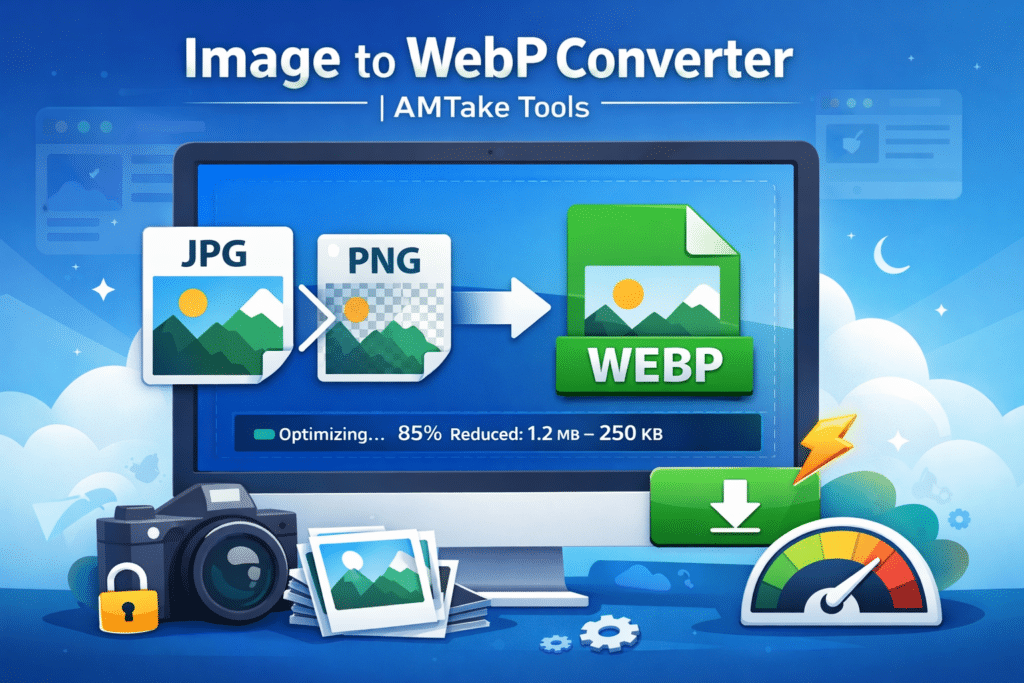
What is WebP Format?
WebP is an advanced image format developed by Google that provides superior compression for images on the web. It supports both lossy and lossless compression, making it highly flexible for different use cases.
Unlike traditional formats like JPG or PNG, WebP significantly reduces file sizes while maintaining high visual quality. This makes it ideal for websites, apps, and digital platforms where speed and performance are critical.
Why Convert Images to WebP?
Converting images to WebP offers several benefits that directly impact your website’s performance and user experience.
1. Smaller File Size
WebP images are typically 25% to 90% smaller than JPEG or PNG files. This helps reduce page load time and improves overall website speed.
2. Faster Website Loading
Smaller images mean faster loading pages. This is crucial for:
- Better user experience
- Lower bounce rates
- Improved engagement
3. SEO Benefits
Search engines prioritize fast-loading websites. Using WebP images can:
- Improve Core Web Vitals
- Boost search rankings
- Increase organic traffic
4. Supports Transparency
Like PNG, WebP supports transparent backgrounds, making it perfect for logos, icons, and UI elements.
5. High Quality with Compression
WebP maintains excellent image quality even after compression, making it suitable for both photography and graphics.Features of an Image to WebP Converter
A professional Image to WebP Converter should offer the following features:
✅ Fast Conversion
Convert images instantly without delays or processing issues.
✅ Lossless Compression
Maintain original image quality while reducing file size.
✅ Multiple Format Support
Convert from formats like:
- JPG to WebP
- PNG to WebP
- BMP to WebP
- GIF to WebP
✅ Secure Processing
Ensure that uploaded files are:
- Not stored permanently
- Automatically deleted after processing
✅ User-Friendly Interface
A clean and simple design that allows easy upload and download.
How to Use the Image to WebP Converter
Using an online Image to WebP Converter is simple and requires no technical knowledge.
Step-by-Step Guide:
1. Upload Your Image
- Click on the upload button
- Select your image file (JPG, PNG, etc.)
2. Choose Conversion Settings (Optional)
- Select quality level
- Enable lossless compression
3. Start Conversion
- Click on the “Convert” button
4. The tool processes your image instantlyDownload WebP File
5. Save the optimized image to your device
Use Cases of WebP Images
WebP is widely used across various digital applications. Here are some common use cases:
🌐 Websites & Blogs
Improve loading speed and SEO performance by replacing heavy images with WebP.
🛒 E-commerce Platforms
Faster product images lead to better user experience and higher conversions.
📱 Mobile Applications
Reduce data usage and improve app performance.
🎨 UI/UX Design
Use WebP for icons, banners, and design assets with transparency.
📷 Photography Websites
Display high-quality images with reduced file size.
WebP vs JPG vs PNG
Understanding the difference between image formats helps you choose the right one.
| Feature | WebP | JPG | PNG |
|---|---|---|---|
| File Size | Smallest | Medium | Largest |
| Quality | High | High | Lossless |
| Transparency | Yes | No | Yes |
| Compression | Lossy & Lossless | Lossy | Lossless |
| Best Use | Web Optimization | Photos | Graphics |
Conclusion:
WebP is the best all-in-one format for modern web usage.
Advantages of Using an Online Converter
Using an online Image to WebP Converter provides several benefits compared to offline tools.
✔ No Installation Required
Access directly from your browser without downloading software.
✔ Works on Any Device
Compatible with:
- Desktop
- Mobile
- Tablet
✔ Saves Time
Quick processing without manual configuration.
✔ Free to Use
Most online tools are completely free with no hidden charges.
Best Practices for Image Optimization
To get the best results when using WebP, follow these optimization tips:
1. Choose the Right Quality Level
- Use 70–85% quality for most web images
- Use lossless mode for logos and graphics
2. Resize Images Before Upload
Avoid uploading unnecessarily large images.
3. Use Lazy Loading
Load images only when they appear on the screen.
4. Combine with CDN
Use a Content Delivery Network for faster global delivery.
5. Use Proper Alt Text
Improve SEO and accessibility by adding descriptive alt text.
Is WebP Supported Everywhere?
WebP is supported by most modern browsers, including:
- Chrome
- Edge
- Firefox
- Safari (latest versions)
For older browsers, you can use fallback formats like JPG or PNG.
Why Use Our Image to WebP Converter?
Our Image to WebP Converter is designed to provide a seamless and efficient experience for users.
🔹 Key Highlights:
- Fast and instant conversion
- High-quality output
- Secure file handling
- Simple and intuitive interface
- No watermark or limitations
Whether you are a blogger, developer, or business owner, this tool helps you optimize images effortlessly.
Best Practices for Image Optimization
To get maximum performance:
- Use WebP format for all web images
- Compress images before uploading
- Resize large images
- Use proper alt text
You can combine multiple tools:
- Image Compressor Tool
- Image Resizer Tool
- Image to WebP Converter
Related Tools You Should Try
Improve your workflow with these tools:
🖼️ Image Tools
📄 PDF Tools
🔄 File Converters
Why Use AMTake Tools?
AMTake provides a complete set of tools for everyday needs. Whether you are working with images, PDFs, or calculations, you can find everything in one place.
Popular tools include:
FAQs
1. Is WebP better than JPG?
Yes, WebP offers better compression and smaller file sizes while maintaining similar or better quality.
2. Can I convert PNG to WebP?
Yes, you can easily convert PNG images to WebP while retaining transparency.
3. Is WebP lossless?
WebP supports both lossless and lossy compression.
4. Is the converter safe to use?
Yes, a good online converter ensures your files are secure and automatically deleted after processing.
5. Does WebP improve SEO?
Yes, faster loading images contribute to better SEO performance.