

In today’s digital world, clean and professional images are essential for websites, social media, and online stores. Whether you’re creating product photos, thumbnails, or marketing content, removing the background from an image can make a huge difference.
The good news? You don’t need advanced software like Photoshop anymore. You can remove image backgrounds quickly and easily using our online AI Image BG Remover tools — no design skills required.
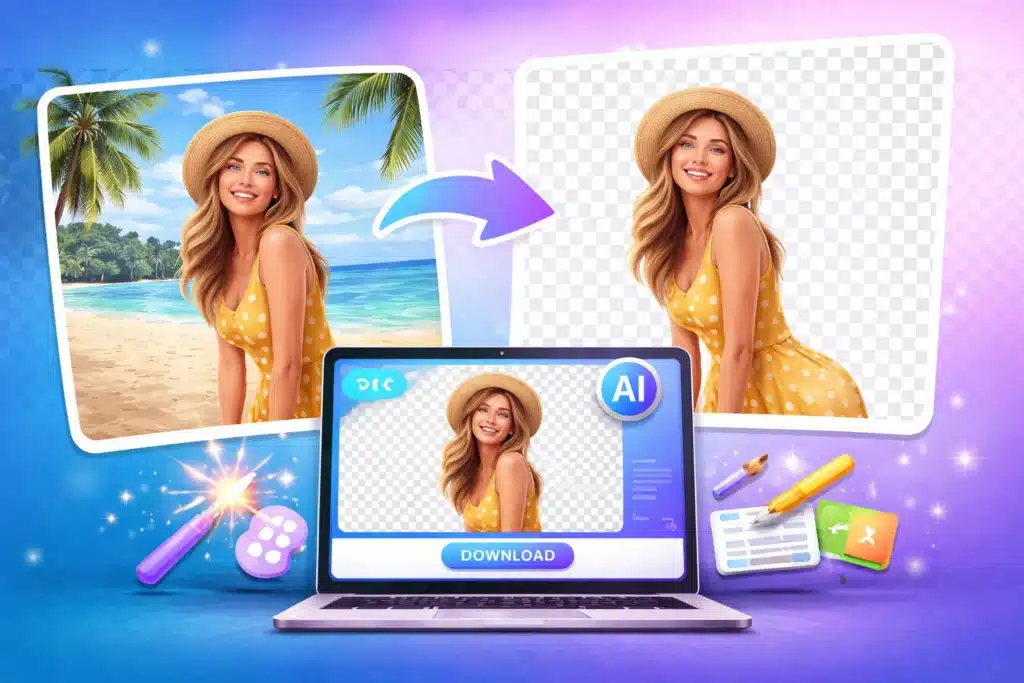
💡 What is Background Removal?
Background removal is the process of separating the main subject of an image from its background. This allows you to:
- Create transparent images
- Replace backgrounds
- Make professional-looking graphics
🚀 Why Remove Image Background?
✅ Professional Look
Clean images look more polished and attractive.
🛒 Better for E-commerce
Product images with transparent or white backgrounds increase conversions.
🎨 Easy Customization
Add any background you want — colors, gradients, or scenes.
⚡ Faster Editing
No need for complex software or editing skills.
🔧 Best Ways to Remove Image Background
🌐 1. Using Online AI Image Background Remover (Recommended)
Online tools are the easiest and fastest way.
Steps:
- Upload your image
- AI automatically removes the background
- Download the transparent image (PNG)
👉 No installation required, works on mobile & desktop.
🖥️ 2. Using Photoshop (Advanced Users)
If you need manual control:
- Use “Remove Background” feature
- Refine edges for better accuracy
- Export as PNG
👉 Best for professionals but requires skills.
📱 3. Using Mobile Apps
Apps also provide background removal:
- Upload image
- Auto-remove background
- Edit and save
👉 Useful for quick edits on the go.
⚡ Tips for Best Results
- Use high-quality images
- Ensure clear subject focus
- Avoid complex or blurry backgrounds
- Choose tools with AI precision
🌟 Why Use Our Tool?
At AMTake Tools, our Image Background Remover offers:
- ⚡ Fast AI processing
- 🎯 High accuracy
- 🔒 Secure file handling
- 📱 Mobile-friendly interface
- 💯 Completely free
🔥 Final Thoughts
Removing image backgrounds is no longer a complicated task. With modern online tools, anyone can create professional-quality images in seconds.
Whether you’re a beginner or a professional, using the right tool can save time and boost your productivity.
🚀 Try It Now
👉 Remove your image background instantly with our free tool and create stunning visuals today!
❓ FAQs
Q1. Is background removal free?
Yes, many online tools (including ours) offer free background removal.
Q2. Which format is best after removing background?
PNG is best because it supports transparency.
Q3. Can I use it on mobile?
Yes, online tools work perfectly on mobile devices.
Q4. Do I need editing skills?
No, AI tools do everything automatically.