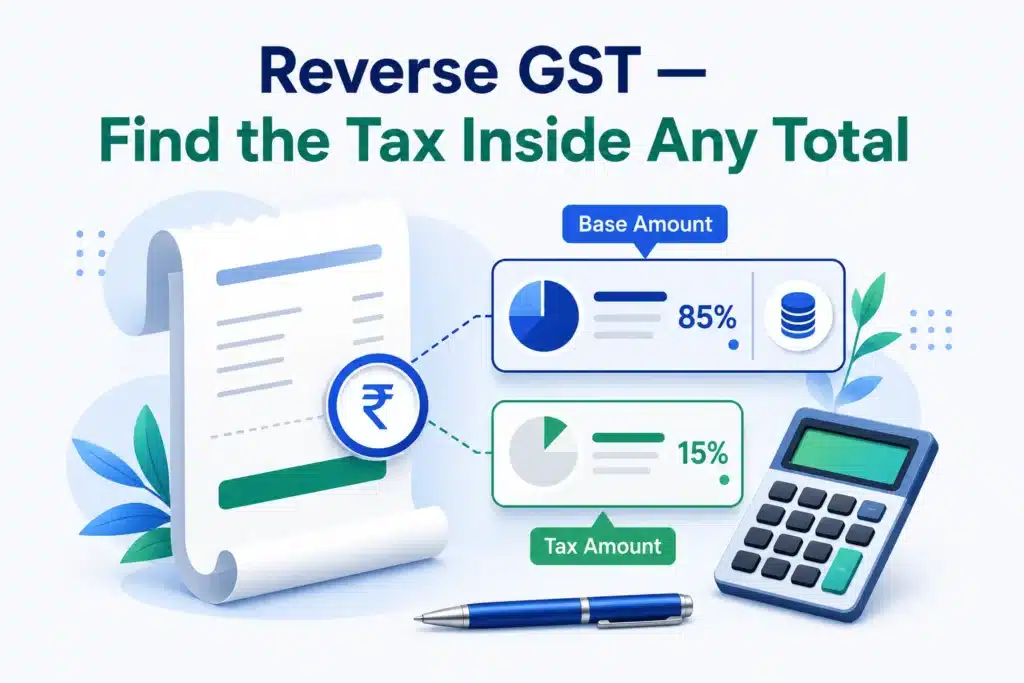
An invoice shows ₹1,180 “inclusive of GST” — so how much of that is tax, and what was the actual price? That’s reverse GST calculation: extracting the GST portion from a total that already includes it. Here’s the formula, quick divisors for every GST 2.0 rate, and a calculator that does it in one click.
Quick answer: open the free AMTake GST Calculator, set Calculation Mode to “Remove GST — amount already includes GST”, enter the total and the rate. You get the base price, the GST amount, and the CGST/SGST split instantly — free, no sign-up.
1The reverse GST formula
Worked example — ₹1,180 inclusive of 18% GST:
- Base price: 1,180 ÷ 1.18 = ₹1,000
- GST amount: 1,180 − 1,000 = ₹180 (₹90 CGST + ₹90 SGST for intra-state sales)
The classic mistake: taking 18% of the total (1,180 × 18% = ₹212.40) — that overstates the tax, because the 18% was charged on the base price, not the total. Always divide first.
2Quick divisors for every GST 2.0 rate
| GST rate | Base price = | GST share of the total |
|---|---|---|
| 3% (gold & jewellery) | Total ÷ 1.03 | 2.91% |
| 5% (merit rate) | Total ÷ 1.05 | 4.76% |
| 18% (standard rate) | Total ÷ 1.18 | 15.25% |
| 40% (sin & luxury) | Total ÷ 1.40 | 28.57% |
Since GST 2.0 (in force from 22 September 2025), the old 12% and 28% slabs are gone — most goods and services now fall under 5% or 18%, with 40% reserved for sin and luxury items like tobacco, pan masala, aerated drinks and luxury cars.
3Do it in one click
- Open the calculator Go to the GST Calculator — it runs in your browser, nothing is sent to a server.
- Switch to Remove GST Set Calculation Mode to “Remove GST — amount already includes GST”, enter the total from your invoice or receipt, and pick the rate.
- Read the breakdown You get the pre-tax base, the GST amount with the CGST/SGST (or IGST) split, and optional Input Tax Credit workings if you fill in the ITC section.
4When you need reverse GST
- MRP pricing. Maximum Retail Price always includes GST — reverse-calculate to find the seller’s base price and the tax you paid.
- Expense claims & bookkeeping. Receipts often show only the inclusive total; accounting entries need base and GST separated.
- Quoting “all-inclusive” prices. If you promise a client ₹50,000 all-in, reverse GST tells you your actual revenue (₹42,372.88 at 18%). Build clean quotes with the Quotation Generator and invoices with the Invoice Generator.
- Checking a bill. Verify a restaurant or store applied the correct rate by reverse-calculating from the total.
Don’t confuse reverse GST calculation with the Reverse Charge Mechanism (RCM). RCM is a compliance rule where the buyer pays the GST to the government instead of the seller (common for imports and notified services). Reverse calculation — this article — is just math on an inclusive price. The calculator handles both: there’s a separate RCM checkbox.
5Frequently Asked Questions
How do I remove 18% GST from an amount?
Divide the total by 1.18 to get the base price; the difference is the GST. Example: ₹5,900 ÷ 1.18 = ₹5,000 base, ₹900 GST. Or use the calculator’s Remove GST mode.
Is MRP inclusive of GST?
Yes — by law, MRP printed on a product already includes all taxes. A shop cannot charge GST on top of MRP.
How is the GST split between CGST and SGST?
For sales within a state, GST splits equally: 18% = 9% CGST + 9% SGST. For inter-state sales the whole amount is IGST. The calculator shows the split automatically based on the supply type you choose.
What are the current GST rates?
Under GST 2.0 (since 22 Sept 2025): 0% nil-rated, 3% for gold/silver/jewellery, 5% merit rate, 18% standard rate, and 40% for sin and luxury goods. The old 12% and 28% slabs were abolished.
What’s the formula for removing 5% GST?
Base = Total ÷ 1.05. For a ₹1,050 inclusive amount: base ₹1,000, GST ₹50.
General information, not tax advice — for filing decisions, confirm with a CA or the official GST portal.